
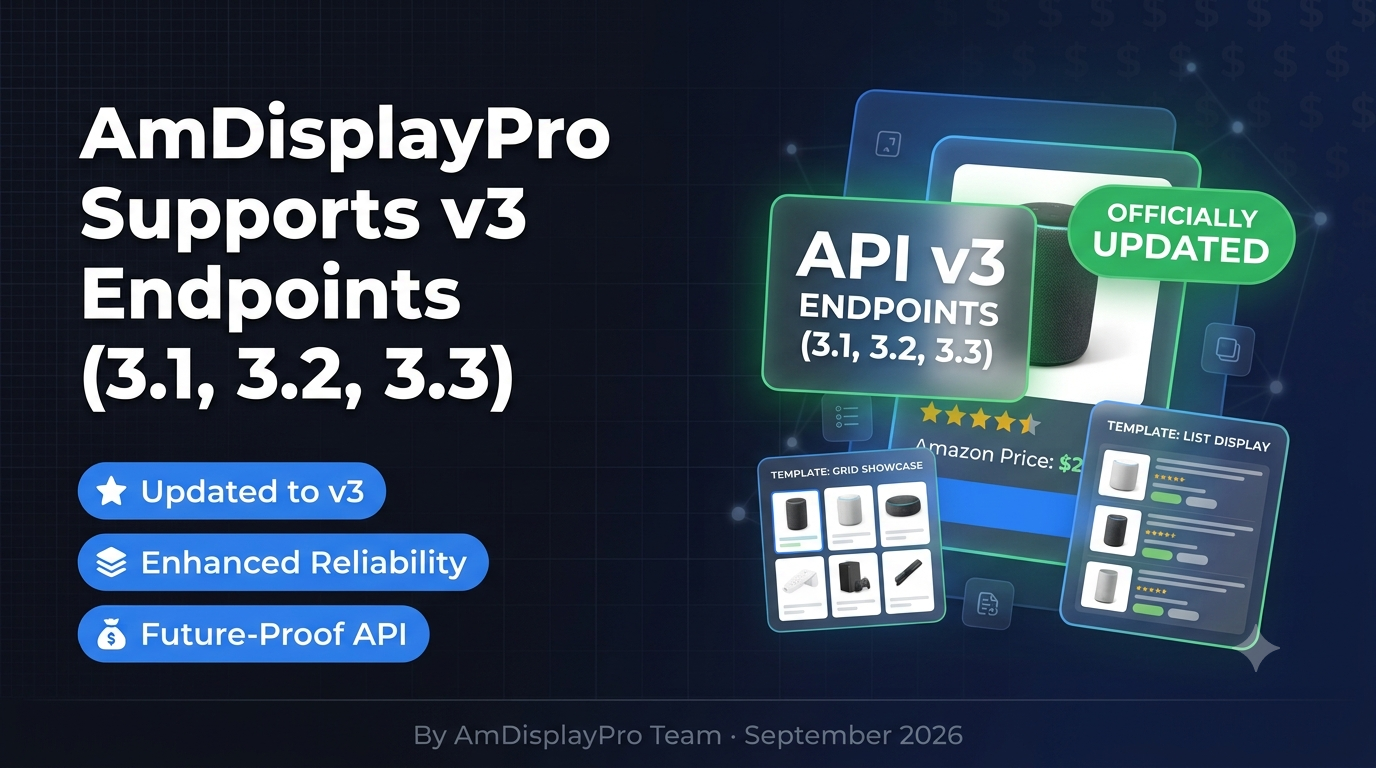
AmDisplayPro Now Supports v3 Endpoints (3.1, 3.2, 3.3) – What’s New
We’ve got an important update to share. AmDisplayPro has officially updated from v2 to v3 Amazon Creators API endpoints. This means your plugin now supports the latest versions: 3.1, 3.2, and 3.3.
Amazon has been steadily rolling out updates to its Creators API. The v3 endpoints bring improved reliability, faster response times, and better compatibility with Amazon’s evolving infrastructure. Here’s what that means for you.
What Are the v3 Endpoints?
The Amazon Creators API is organized into three regional endpoint groups, each covering a specific set of marketplaces:
- Version 3.1 (North America): United States, Canada, Mexico
- Version 3.2 (Europe): UK, Germany, France, Italy, Spain, Netherlands, Sweden, Poland, and more
- Version 3.3 (Far East/APAC): Japan, Australia, Brazil, Singapore
Why the Update Matters
Staying on the latest API version isn’t just a technical nicety—it directly affects how well your affiliate site performs. Here’s what the v3 endpoints bring:
- Better reliability: Fewer failed requests and more consistent product data delivery
- Faster response times: Lower latency means your product displays load quicker
- Future-proofing: Amazon will eventually phase out older endpoint versions, so being on v3 means you’re ahead of the curve
- Improved compatibility: Works seamlessly with the latest Amazon Creators API authentication and data structure
Do You Need to Do Anything?
If you’re already using AmDisplayPro: Simply update the plugin to the latest version. All v3 endpoint support is built in, and your existing shortcodes and settings will continue to work exactly as before.
If you’re new to AmDisplayPro: You’ll be setting up on v3 endpoints from day one. No legacy configuration, no migration headaches.
What This Means for Your Affiliate Site
You don’t need to change anything about how you use the plugin. Your templates, geolocation, caching, and shortcodes all work the same way. The difference is under the hood—your product data now comes from Amazon’s newest, most stable endpoints.
Over time, this means:
- Fewer “product not found” errors due to stale endpoint routing
- Faster page loads thanks to improved API response times
- Better accuracy on pricing and availability data
- Peace of mind that your plugin is ready for whatever Amazon rolls out next
How to Update
Updating is simple:
- Log in to your WordPress dashboard
- Go to Plugins → Installed Plugins
- Find AmDisplayPro and click Update Now
That’s it. The v3 endpoints are automatically enabled—no configuration changes needed.
🚀 Get AmDisplayPro with v3 Support →Questions?
If you have any questions about the update or need help verifying your setup, our support team is here to help. Paid users get priority responses within 24 hours.
📝 Latest from Our Blog Updated Weekly
AmDisplayPro Now Supports v3 Endpoints (3.1, 3.2, 3.3)
We’ve updated from v2 to v3 Amazon Creators API endpoints. Faster, more reliable, and future-proof. Here’s what changed.
Read More → 📖 GuideThe Best Amazon Product Showcase Templates for WordPress (2026)
Complete guide to all 15 AmDisplayPro templates. Find the perfect layout for reviews, comparisons, roundups, sidebars, and mobile-first designs.
Read More → 🔧 TechnicalAmazon Creators API vs PA-API 5.0: What Affiliates Need to Know in 2026
OAuth 2.0 vs AWS Signature. OffersV2 vs old pricing. Regional endpoints explained. Everything you need to migrate before the old API is phased out.
Read More → 💰 BudgetThe Best Budget Amazon Affiliate Plugin in 2026 (Only $29/Year)
Why pay $80-$100/year? AmDisplayPro Personal gives you 15 templates, unlimited products, and geolocation for just $29. Full review inside.
Read More → 🔄 MigrationWhy I Switched from AAWP to AmDisplayPro (And Saved $70/Year)
Real user story: Moving from $101/year AAWP to $29/year AmDisplayPro. Same features, better geolocation, 15 templates, and priority support.
Read More → 📖 GuideHow to Set Up Amazon Creators API in WordPress (Step-by-Step)
Complete walkthrough: Get your Credential ID, Secret, and configure regional endpoints (3.1 NA, 3.2 EU, 3.3 FE). Works with any plugin.
Read More →