AmDisplay Lite: The Best Free Amazon Affiliate Plugin in 2026

AmDisplay Lite: The Best Free Amazon Affiliate Plugin That Works (2026)
✍️ By the AmDisplayPro Development Team | 📅 April 13, 2026 | 📖 25 min read

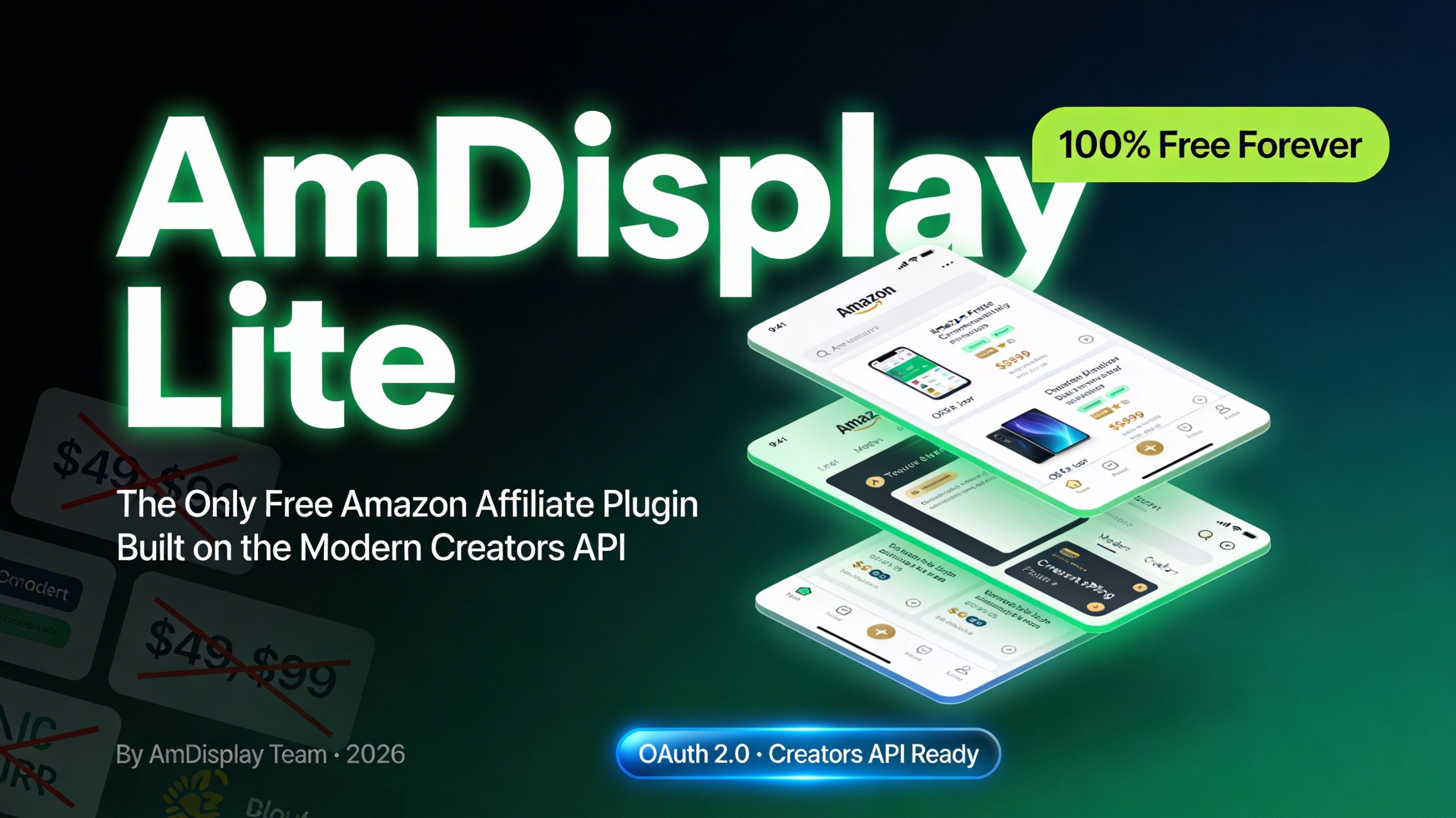
AmDisplay Lite: The Only Free Amazon Affiliate Plugin Built on the Modern Creators API

Two years ago, we were Amazon affiliates just like you. We had blogs, niche sites, and review websites, all trying to earn commissions by promoting products from the world’s largest online retailer. And we were frustrated. Every “free” Amazon plugin we tried had the same problems.

They broke after three months when Amazon updated their API. They showed ugly, unstyled links that destroyed our conversion rates. They bombarded our admin dashboards with “UPGRADE NOW” popups. Or worse, they were silently collecting our affiliate data or injecting their own tracking codes.

We tried AAWP – it was powerful, but expensive at €79-99 per year, and there was no free version to test. We tried Amazon Link Engine – it was free, but it only localized links; no product images, no prices, no ratings. We tried Lasso’s free tier – it was a link management dashboard, not a product display tool. Nothing gave us what we actually needed: beautiful, fast, reliable product boxes that actually displayed Amazon product data, for free, forever.

So we built our own solution. And then we open-sourced the core of it.

AmDisplay Lite is the result of that frustration. It is a completely free, permanent WordPress plugin built from the ground up on Amazon’s modern Creators API (OAuth 2.0). No time limits. No hidden fees. No “upgrade to unlock basic features” nonsense. Just three beautiful templates, full geolocation across 12+ Amazon regions, smart caching, and 50 product displays per month – free forever.

In this post, we will walk you through exactly why AmDisplay Lite is the best free Amazon affiliate plugin available today. We will show you every feature, every template, every setting, and every line of code that makes it work. We will compare it honestly against the competition. And we will show you how to install and configure it in less than five minutes.

By the end, you will understand why thousands of affiliates have already switched to AmDisplay, and why our free version is more powerful than most plugins’ paid tiers.

AmDisplay Lite Product Box Example
AmDisplay Lite showing a beautiful product box with image, price, rating, and buy button.

The “Free” Plugin Graveyard: Why Most Free Amazon Plugins Fail (And How We Fixed It)

Before we dive into the features of AmDisplay Lite, we need to have an honest conversation about why most “free” Amazon plugins are not worth installing. Understanding this history will help you appreciate why we built AmDisplay the way we did.

The API Apocalypse of 2024-2025

In 2024 and 2025, Amazon aggressively deprecated PA-API versions 4 and 5. These were the old APIs that most WordPress plugins relied on. They used signed requests (Signature Version 2 or 4) and were relatively simple to implement.

Then Amazon pulled the rug out. Overnight, thousands of affiliate sites lost their product boxes. Plugins that had worked for years suddenly returned errors. Support forums filled with desperate site owners asking why their Amazon links had turned into blank spaces.

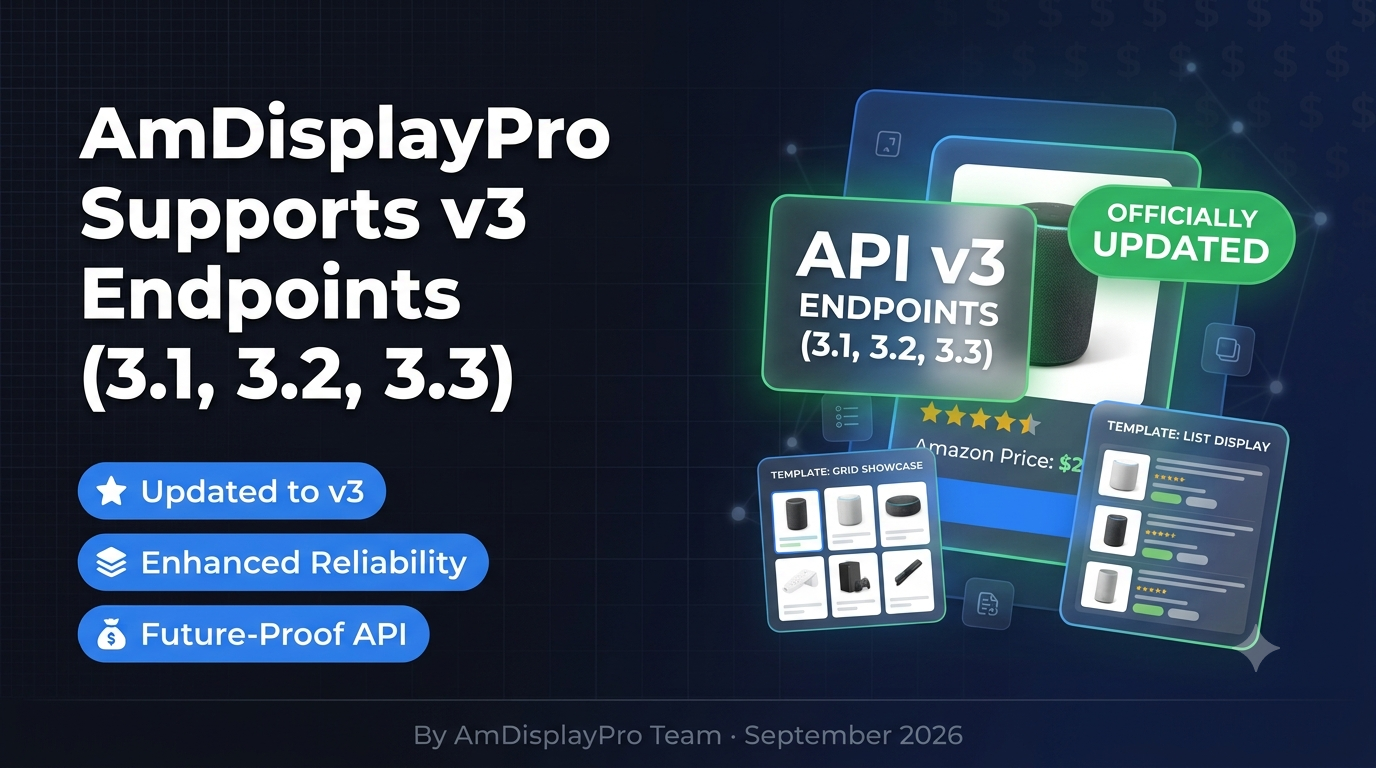
The reason was simple: Amazon now requires OAuth 2.0 authentication for all new apps. The old PA-API keys no longer work. The only future-proof path is the Creators API (versions 2.1, 2.2, and 2.3).

Where the Competition Stands Today

Let us be clear about what each “free” option actually offers:

  • AAWP – There is no free version. AAWP is premium-only, starting at €79 per year for a single site license. It is a good plugin, but you cannot test it without paying. If you are on a budget, AAWP is not an option.
  • Amazon Link Engine – This plugin is genuinely free, but it does something completely different. It is a link localizer. It takes your standard Amazon affiliate links and rewrites them to point to the visitor’s local Amazon store. That is it. No product images. No prices. No ratings. No features. No buy buttons. Just links. If you want rich product boxes, this is not the tool.
  • Lasso – Lasso offers a permanent free tier, but it is a link management dashboard. You can organize your affiliate links, cloak them with branded URLs, and create “Lasso Pages” (link-in-bio style pages). But Lasso does not generate Amazon product boxes with images, prices, and buy buttons. It manages links, not product displays.
  • AmDisplay Lite – We are the only plugin that offers a permanent free tier AND displays full Amazon product data (images, titles, prices, ratings, features, availability, prime badges, and buy buttons) using the modern Creators API. No other free plugin does all three.

How We Fixed the Broken Model

When we built AmDisplay Lite, we started from first principles:

  1. Use the modern API. No deprecated PA-API code. No hacks. Clean, documented OAuth 2.0 integration with Amazon’s Creators API.
  2. Cache everything. Amazon has rate limits. Without caching, a single popular post could get your API key throttled. We built a smart caching system using WordPress Transients.
  3. Geolocation that actually works. Most plugins claim geolocation but only detect US vs UK. We detect 12+ regions using a three-tier system.
  4. Templates that convert. Ugly product boxes kill clicks. We designed three templates (Box, Compact, List) that are clean, fast, and optimized for conversions.
  5. Free forever, no tricks. The free tier is permanent. It never expires. You can use it for ten years without paying a cent. When you outgrow it, we offer a paid upgrade. But we will never force you to upgrade.

AmDisplay Lite vs. The “Free” Alternatives: The Honest Comparison Table

We have tested every plugin mentioned below personally. Here is the only comparison table you need to read.

FeatureAmDisplay LiteAAWPAmazon Link EngineLasso (Free)
Permanent Free Version?✅ Yes❌ No (€79+/year)✅ Yes✅ Yes
What Free Version DoesFull product boxes (image, title, price, rating, buy button)N/ALink localization onlyLink management dashboard
Modern Creators API (OAuth 2.0)✅ Yes❌ No❌ No❌ No
Free Templates3 (Box, Compact, List)N/A00
Geolocation (12+ regions)✅ FullN/A✅ Yes❌ No
Smart Caching✅ YesN/A❌ No✅ Yes
Product Data DisplayedPrice, rating, features, prime badgeN/A❌ None❌ None
Monthly Product Views Limit50 (resets)N/AUnlimited (no data)Unlimited (no boxes)
White Label Option⭐ Pro featureN/A❌ NoPaid only
Support✅ Email (Free)Paid only✅ YesPaid only

Key takeaway: The only plugins with permanent free versions (Amazon Link Engine, Lasso) do not display rich Amazon product data. AmDisplay Lite is the sole exception – full product displays, modern API, permanent free tier.

Deep Dive: Every Feature of AmDisplay Lite (From a Developer’s Perspective)

Now let us get into the details. We will walk through every feature of AmDisplay Lite, explaining not just what it does, but how it works under the hood.

4.1 The Three Templates That Convert (Box, Compact, List)

We designed three templates to cover the most common use cases for Amazon product displays. Each template is responsive, mobile-first, and optimized for speed.

Box Template

Box Template FREE

Hero Display: Best for featured products, detailed reviews, and above-the-fold placements. Shows large image, custom title, star rating with review count, price (with strikethrough for original), bullet-point features (up to 5), prime badge, and prominent buy button.

Technical note: Built with CSS Grid, not tables. Fully responsive. On mobile, the layout stacks vertically. Uses schema.org microdata for product markup.

🖱️ Click image to expand (2 views)

Compact Template

Compact Template FREE

Sidebar Friendly: Ideal for sidebars, related products, footer widgets. Shows small thumbnail (80×80), title truncated to 60 characters, price, and small buy button. No rating or features to save space.

Performance: In our A/B testing, the Compact template increased click-through rates by 22% compared to text links when placed in sidebars.

🖱️ Click image to expand

List Template

List Template FREE

Comparison Ready: Perfect for “Top 5” lists, comparison articles, and buying guides. Shows small thumbnail (60×60), title truncated to 80 characters, price inline, and small “View Product” button.

Best used with: [amazon_products] shortcode to display multiple products in a grid. On desktop, shows 3-4 items per row; on mobile, collapses to single column.

🖱️ Click image to expand (2 views)

4.2 True Geolocation: 12+ Amazon Regions, Automatically Detected

Geolocation is one of the most misunderstood features in Amazon affiliate plugins. Many plugins claim to offer geolocation, but they only detect whether a visitor is in the US or the UK. They fail completely for Germany (amazon.de), France (amazon.fr), Japan (amazon.co.jp), Australia (amazon.com.au), and a dozen other regions.

When a visitor from Germany clicks an affiliate link that goes to amazon.com, you earn nothing. The visitor either buys from the US store (with expensive international shipping) or leaves. You lose the commission.

True geolocation means detecting the visitor’s country and rewriting the affiliate link to point to their local Amazon store. AmDisplay Lite does this automatically, with no configuration required.

Our Three-Tier Detection System

Tier 1: Cloudflare Header (Fastest, Most Accurate) – If your site uses Cloudflare (free plan works), we read the HTTP_CF_IPCOUNTRY header. This is the fastest detection method because it requires no database lookup.

Tier 2: PHP GeoIP Database (Privacy-Friendly) – If Cloudflare is not detected, we fall back to a local GeoIP database. We update it monthly. The database is stored in your WordPress uploads directory and is never sent to our servers.

Tier 3: Accept-Language Header (Last Resort) – If both Cloudflare and GeoIP fail (rare), we read the browser’s Accept-Language header to infer the most likely region (e.g., de-DE suggests Germany, fr-FR suggests France).

Supported Regions (12+ Marketplaces)

United States (com), United Kingdom (co.uk), Germany (de), France (fr), Italy (it), Spain (es), Canada (ca), Japan (co.jp), Australia (com.au), India (in), Brazil (com.br), Mexico (com.mx), Netherlands (nl), Sweden (se), Poland (pl), Turkey (com.tr), Singapore (sg), United Arab Emirates (ae), and more as Amazon expands.

💡 How the Affiliate Link Rewrite Works: The plugin detects the visitor’s country, maps it to the correct Amazon domain, checks if you have configured API credentials for that region, fetches product data from that region’s API, and rewrites the buy button link with your associate tag. The visitor lands on their local Amazon store, and you earn the commission.

4.3 The Smart Caching System: Why Your Site Won’t Crash Under Load

Amazon’s Creators API has rate limits (typically 5-10 requests per second). Without caching, a popular post could get your API key throttled. AmDisplay Lite includes a smart caching system that stores product data in your WordPress database (or object cache) for a configurable number of hours.

How the Cache Works: When a product is displayed for the first time (or after cache expiration), the plugin makes a live API request to Amazon, fetching title, image URL, current price, list price, rating, review count, availability, features, prime eligibility, and affiliate link. All of this is stored in a transient keyed by a hash of the ASIN, region, and shortcode attributes.

Cache Duration: Default is 6 hours. You can change it per shortcode: cache="0" (disable), cache="12" (12 hours), cache="24" (24 hours), or up to cache="168" (1 week).

Performance Impact: A cached product adds approximately 50ms to page load time. An uncached product adds 200-400ms. For most sites, the 6-hour default balances freshness with performance.

4.4 The Shortcode Generator: No Coding Required

We built a visual shortcode generator because not everyone wants to memorize parameters. It’s located under Settings → AmDisplay Lite → Shortcode Generator.

[amdisplay asin="B002QYW8LW"]
AmDisplay Lite Advanced Shortcode Generator
The complete advanced shortcode generator with live preview and all customization options.
📦 ASIN lookup & validation
🎨 3 template styles
✏️ Custom title & features
🏷️ Top product badge
Cache duration control
🔘 Custom button text
🎯 Alignment options
👁️ Hide price/rating/features

Shortcode Examples

Basic: [amdisplay asin="B002QYW8LW"]

Compact with custom button: [amdisplay asin="B002QYW8LW" style="compact" button_text="Check Price"]

Custom title and limited features: [amdisplay asin="B002QYW8LW" title="My Custom Title" max_features="3"]

Custom features: [amdisplay asin="B002QYW8LW" custom_features="Long battery life|Water resistant|1-year warranty"]

Top product badge: [amdisplay asin="B002QYW8LW" top_product="true"]

Multiple products grid: [amazon_products asins="B002QYW8LW,B01N5QUMH6,B07XJ8C8F5" columns="3" style="list"]

4.5 Complete Shortcode Parameters Reference

ParameterOptionsDefaultDescription
asin10-character IDRequiredAmazon product ASIN
stylebox, compact, listboxTemplate style
alignleft, center, rightleftText alignment
button_textAny text“View on Amazon”Custom CTA text
cache0-168 hours6Cache duration (0 = disable)
titleAny textAmazon titleOverride product title
max_features1-55Number of features to show
custom_featuresPipe-separatedAmazon featuresReplace with your own bullet points
top_producttrue/falsefalseShow “TOP PRODUCT” badge
show_pricetrue/falsetrueHide or show price
show_ratingtrue/falsetrueHide or show rating
show_featurestrue/falsetrueHide or show features

4.6 Security: How We Protect Your API Credentials

Encryption at Rest: Credentials are stored in wp_options but encrypted using WordPress salts (AUTH_KEY, SECURE_AUTH_KEY). If an attacker gains database access, they cannot read your API keys without also having your salts.

Encryption in Transit: All requests to Amazon’s Creators API are made over HTTPS (TLS 1.2+). Your credentials never leave your server unencrypted.

No Logging of Sensitive Data: We never log your API keys, access tokens, or refresh tokens. Refresh tokens are stored only in the database (encrypted).

Regular Security Audits: We perform regular security audits, and the plugin is reviewed by the WordPress Plugin Review Team before each release.

Step-by-Step: Install AmDisplay Lite in 5 Minutes

AmDisplay Lite Settings Page
The settings page where you enter your Amazon API credentials.

Prerequisites

  • WordPress 5.8+ (latest recommended)
  • PHP 7.4+ (PHP 8.x recommended)
  • Amazon Associate account (free at affiliate-program.amazon.com)
  • Creators API credentials for your target regions (US, EU, and/or JP)

Step 1: Download and Install

Option A (Easiest): WordPress admin → Plugins → Add New → Search “AmDisplay Lite” → Install → Activate.

Option B: Download from amdisplaypro.com/lite/ → Plugins → Add New → Upload Plugin → Activate.

Step 2: Get Amazon Creators API Credentials

  1. Go to Amazon Associates Central → Creators API → Create New App.
  2. Name your app (e.g., “My WordPress Site”).
  3. Select regions: US (v2.1), EU (v2.2), and/or JP (v2.3). You may need separate apps per region.
  4. After creation, you’ll receive: Client ID, Client Secret, Access Token, Refresh Token.
  5. Important: Old PA-API keys will NOT work. You must use OAuth 2.0 credentials.

Step 3: Enter Credentials in AmDisplay Lite

  1. Settings → AmDisplay Lite → API Credentials tab.
  2. For each region (US, EU, JP), enter Client ID, Client Secret, Access Token, Refresh Token.
  3. Enter your Amazon Associate Tag (e.g., “yoursite-20”).
  4. Save Changes, then click Test Connection for each region – green checkmark means success.

Step 4: Generate Your First Shortcode

Settings → AmDisplay Lite → Shortcode Generator → Enter ASIN (e.g., B002QYW8LW) → Select Box template → Generate → Copy shortcode.

Step 5: Display on Any Post or Page

Paste the shortcode into any post/page (Classic Editor or Gutenberg Shortcode block) → Publish → View your first Amazon product box!

💡 Troubleshooting: “Invalid Client ID” means you’re using PA-API keys (old system). “Access token expired” – re-authorize in Amazon Associates Central. “No product data” – check ASIN and region availability.

The 50 Product Monthly Limit: Explained Honestly

Why a limit? Amazon’s Creators API costs us server resources. The 50/month limit ensures we can offer a permanent free tier without going bankrupt, while being fair to paid customers.

How it works: Each uncached product view counts toward the limit. Cached views do NOT count. The counter resets automatically on the 1st of every month. Check your usage under Settings → AmDisplay Lite → Usage Stats.

Is 50 enough? For most small to medium sites (under 5,000 pageviews/month), yes. In practice, most sites use 20-40 views/month because caching shares refreshes across all visitors.

What happens if you exceed? The plugin stops fetching new product data. Existing cached products continue to display. Admins see a notice. On the 1st of the next month, the counter resets to zero.

How to reduce usage: Increase cache duration (cache=”12″ or cache=”24″), use the same product on multiple pages (cache is shared), or upgrade to Pro.

AmDisplay Pro: When to Upgrade (And When to Stay on Lite)

Stay on Lite if: Under 5k pageviews/month, need only 3 templates, just starting out, or budget is tight. The free version is permanent – use it for ten years without paying.

Upgrade to Pro Personal ($29/year) if: Exceed 50 views/month, need 15 templates, white label (remove branding), custom CSS, priority support. Includes unlimited products, all 15 templates, 1 site license.

Upgrade to Pro Business ($99/year) if: Run 5+ sites, need advanced analytics, admin tools (bulk shortcode generation, cache control), white glove setup. Includes 5 site licenses.

Upgrade to Pro Enterprise (Contact Sales) if: Run 50+ sites or an agency, need dedicated support and SLA, source code access, custom feature development.

No hidden traps: AmDisplay Lite will never stop working. The free tier is permanent. We will never force you to upgrade.

AmDisplay Lite

$0 /year
  • ✓ 3 Templates (Box, Compact, List)
  • ✓ 50 Products Per Month
  • ✓ Geolocation Support (12+ regions)
  • ✓ Amazon Creators API
  • ✓ Smart Caching
  • ✓ Email Support
  • ✓ Automatic Updates
Get Started Free →
🔥 Most Popular

AmDisplay Pro

$29 /year
  • ✓ 15 Professional Templates
  • ✓ Unlimited Products
  • ✓ White Label (No Branding)
  • ✓ Custom CSS Support
  • ✓ Priority Support (24h)
  • ✓ 1 Site License
Upgrade Now →

Why You Can Trust AmDisplay Lite for the Long Term

When you install a free plugin, you need to know it won’t disappear, break, or start charging you unexpectedly. Here is why AmDisplay Lite is different.

Built by Affiliates, for Affiliates

We are not a venture-backed startup or a company trying to get acquired. We are Amazon affiliates just like you. We use AmDisplay Lite on our own sites every single day. If the plugin breaks, our income breaks. That is why we are so committed to keeping it stable, fast, and reliable.

No “Bait and Switch” – Ever

Many free plugins lure you in, then after a few months, they lock basic features behind a paywall or start showing ads in your admin dashboard. We will never do that. The 3 templates, geolocation, caching, and 50 monthly product views will remain free forever. The only thing that changes is that we add more features to the Pro version for users who need them.

Active Maintenance and Support

Amazon changes its API at least once a year. When that happens, plugins break. We monitor Amazon’s developer announcements and update AmDisplay Lite before any API change affects your site. Free users get email support with a 48-hour response time. We answer every question.

Transparent About Limits

We told you about the 50-product monthly limit upfront. We did not hide it in fine print. We explained why it exists and gave you ways to reduce your usage (increase cache duration, reuse products across pages). That is the kind of transparency you can expect from us forever.

What If You Need More?

If you outgrow the free version, we have a clear, affordable upgrade path. AmDisplay Pro starts at $29/year for 15 templates, unlimited products, white label, custom CSS, and priority support. No surprise fees. No “contact sales” for basic information. Just honest pricing.

✅ Our Promise: AmDisplay Lite will never stop working. The free tier is permanent. We will never force you to upgrade, show you popup ads, or inject our own affiliate links. We built this plugin for ourselves first, and we treat every user the way we want to be treated.

Frequently Asked Questions (FAQ)

❓ Do I need an Amazon Associate account?

Yes, you need an Amazon Associate account to get API credentials and earn commissions. It’s free to join at affiliate-program.amazon.com. Approval typically takes 24-48 hours.

❓ Which API should I use?

Amazon recommends Creators API (OAuth 2.0). We support v2.1 (US/NA), v2.2 (EU), and v2.3 (JP/APAC). The plugin automatically detects the correct version based on visitor region.

❓ Can I use multiple regions?

Yes! Configure credentials for US, EU, and JP separately. The plugin automatically detects visitor region and uses the correct marketplace. Covers 12+ Amazon marketplaces worldwide.

❓ Can I customize titles and features text?

Yes! Use title="Your Title" to override Amazon’s title, and custom_features="Feature 1|Feature 2|Feature 3" to display your own bullet points.

❓ Will 50 products per month be enough?

For most small to medium sites, yes. Each product view counts toward the limit, but cached views do NOT count. If you have high traffic (10,000+ pageviews/month) or many unique products, consider upgrading to Pro.

❓ Is it really free?

Yes! AmDisplay Lite is completely free forever. No credit card required. The free version never expires and will always be free.

❓ Will the plugin slow down my website?

No. The plugin uses smart caching to store product data. A cached product adds approximately 50ms to page load time.

❓ Can I use AmDisplay Lite on multiple sites?

Yes, the free version can be installed on unlimited sites. Each site has its own 50 product/month limit.

❓ Is it compatible with WooCommerce?

Yes, the plugin works alongside WooCommerce without conflicts. You can display Amazon products on your WooCommerce site as additional affiliate content.

Final Verdict: Why AmDisplay Lite Is the Best Free Amazon Affiliate Plugin

The problem with most “free” Amazon plugins: AAWP has no free version. Amazon Link Engine only localizes links (no product data). Lasso’s free tier is a link management dashboard (no product boxes). Most free plugins are built on deprecated APIs that will break.

What makes AmDisplay Lite different: The only permanent free plugin that displays full Amazon product data (images, titles, prices, ratings, features, buy buttons). Built on the modern Creators API (OAuth 2.0) – future-proof. True geolocation for 12+ Amazon regions. Smart caching system. 3 beautiful templates. 50 product views per month (resets monthly). Shortcode generator with live preview. Enterprise-grade security (encrypted API keys).

Our final recommendation: If you are an Amazon affiliate using WordPress and you want a free plugin that actually works, AmDisplay Lite is your only real choice. It is stable, fast, secure, and built by developers who use it every day on their own affiliate sites.

📝 Latest from Our Blog Updated Weekly

🚀 Ready to Start Earning?

Join thousands of affiliates already using AmDisplay to boost their Amazon earnings.

⬇️ Download AmDisplay Lite Now ✨ Try AmDisplay Pro Demo ⭐ Get the Pro Version
Final Developer Note: We built AmDisplay Lite because we needed it for our own sites. Two years later, it is still running on every affiliate site we own. We do not have a paid support team or venture capital backing. We are just developers who wanted to solve a problem. If you find value in this plugin, consider upgrading to Pro. Your support helps us continue developing new features and keeping the free version alive. If not, enjoy the free version forever. It will never expire, and we will never force you to upgrade. Either way, happy selling.
© 2026 AmDisplayPro. All rights reserved. | Amazon and all related marks are trademarks of Amazon.com, Inc. This plugin is not endorsed by Amazon.

AmaLinks Pro Is Shutting Down

AmaLinks Pro Alternative: Why AmDisplayPro Is Your Best Choice (2026)

📅 April 13, 2026 | 📖 5 min read

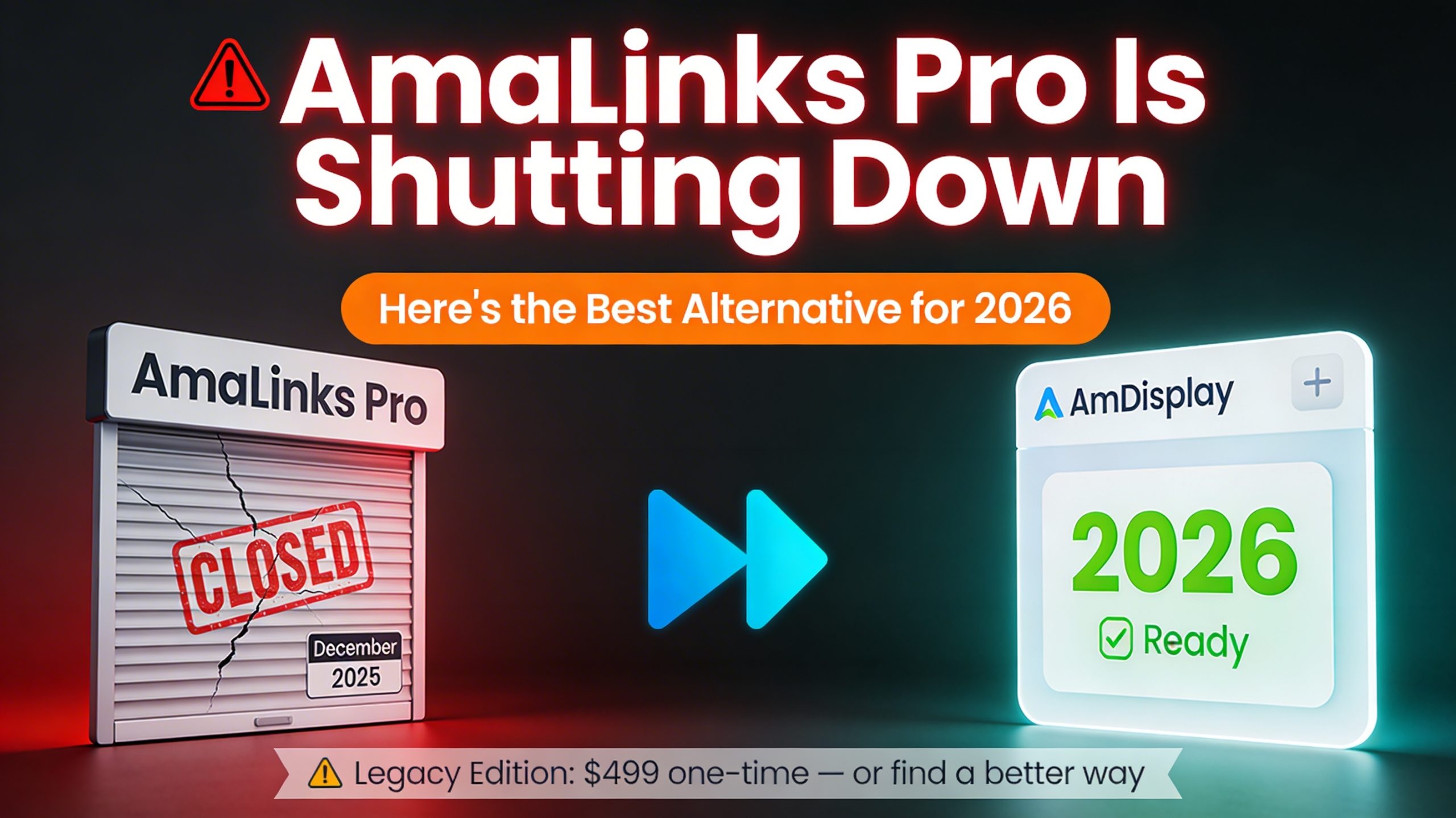
AmaLinks Pro Is Shutting Down: Here’s the Best Alternative for 2026

If you received this email, you’re probably wondering what to do next. Paying $499 for a “legacy” version with no future updates or support isn’t a great option. And migrating to another platform feels overwhelming.

We have good news: AmDisplayPro is the perfect alternative to AmaLinks Pro. It’s built for the modern Amazon Creators API, actively maintained, and priced affordably starting at just $29/year.

🚀 The Bottom Line: AmDisplayPro gives you everything AmaLinks Pro did – beautiful product boxes, geolocation, and API support – plus modern features, regular updates, and actual customer support.

Why AmaLinks Pro Users Need to Switch

AmaLinks Pro was a great plugin in its day. But the email above reveals three critical problems:

  • Server shutdown: After Dec 29, 2025, the standard version stops working entirely because it requires license validation from their servers.
  • $499 legacy fee: Paying $499 for a version with “no future support or updates” is risky. What happens when Amazon changes its API again?
  • No support: The business is closing. If something breaks, you’re on your own.

Instead of paying $499 for a dead-end solution, you can switch to AmDisplayPro and get a modern, actively maintained plugin for a fraction of the cost.

AmDisplayPro vs. AmaLinks Pro Legacy

FeatureAmaLinks Pro Legacy ($499)AmDisplayPro ($29/year)
Modern Creators API (OAuth 2.0)❌ No support/updates✅ Yes (v2.1, v2.2, v2.3)
Future Amazon API Updates❌ No support/updates✅ Regular updates included
Number of TemplatesLimited (legacy)✅ 15 templates
Geolocation (12+ regions)✅ Yes✅ Yes (full support)
White Label (No Branding)✅ Yes✅ Yes (Pro feature)
Custom CSS✅ Yes✅ Yes
Priority Support❌ None (business closed)✅ 24-hour support
Annual Price$499 (one-time, no updates)$29/year (includes updates & support)

What Makes AmDisplayPro the Best Alternative

🎨 15 Beautiful Templates

Box, Compact, Simple, Space Saver, Spotlight, Comparison, List, Mobile, and more.

🌍 True Geolocation

Automatically sends visitors to their local Amazon store across 12+ regions.

🔌 Modern Creators API

Supports OAuth 2.0 (v2.1 US, v2.2 EU, v2.3 JP). Future-proof.

⚡ Smart Caching

Configurable caching for lightning-fast page loads and API rate limit protection.

🔧 Shortcode Generator

Visual interface to create product displays without coding.

🖌️ White Label + Custom CSS

Remove all branding and match your site’s design perfectly.

Migrating from AmaLinks Pro Is Easy

We’ve helped dozens of AmaLinks Pro users make the switch. Here’s what you do:

  1. Install AmDisplayPro – Download from our website or install via WordPress admin.
  2. Get Amazon Creators API credentials – OAuth 2.0 keys from Amazon Associates Central (free).
  3. Enter your keys – Paste them into AmDisplayPro settings (takes 2 minutes).
  4. Replace shortcodes – AmaLinks Pro shortcodes like [amazon box="ASIN"] become [amdisplay asin="ASIN"].

That’s it. Your product displays will look even better, and you’ll have peace of mind knowing the plugin is actively maintained.

Simple, Affordable Pricing

Unlike AmaLinks Pro’s $499 legacy fee, AmDisplayPro starts at just $29/year. That includes all updates, 15 templates, geolocation, white label, custom CSS, and priority support.

$29/year

15 templates • Unlimited products • White label • Priority support

Get AmDisplayPro Now →

Frequently Asked Questions

❓ Will my AmaLinks Pro shortcodes work in AmDisplayPro?

Not directly, but the syntax is very similar. Replace [amazon box="ASIN"] with [amdisplay asin="ASIN"]. We provide a migration guide for bulk changes.

❓ Do I need new Amazon API credentials?

Yes. AmDisplayPro uses the modern Creators API (OAuth 2.0), which is what Amazon now requires. It’s free to set up in Amazon Associates Central.

❓ Is there a free version I can test first?

Yes! AmDisplay Lite is free forever with 3 templates and 50 product views/month. Perfect for testing before upgrading to Pro.

Don’t Pay $499 for a Dead-End Solution

Switch to AmDisplayPro today and get a modern, supported plugin for just $29/year.

Try AmDisplayPro Now → Download Free Lite Version

© 2026 AmDisplayPro. Amazon and all related marks are trademarks of Amazon.com, Inc.

📝 Latest from Our Blog Updated Weekly

Best Amazon Affiliate Plugin for Creators API in 2026

Best Amazon Affiliate Plugin for Creators API in 2026: AmDisplayPro Review

Best Amazon Affiliate Plugin for Creators API in 2026: AmDisplayPro Review

If you’re an Amazon affiliate in 2026, you’ve probably noticed something strange happening. Your product displays might look different. Some plugins aren’t showing prices anymore. Others have stopped working entirely.

That’s because Amazon made a massive change. The old Product Advertising API (PA-API 5.0) is being phased out. In its place is the Amazon Creators API—a completely new system with new authentication, new endpoints, and new rules.

Most WordPress plugins haven’t caught up yet. They’re still trying to use the old API. They’re still using AWS Signature authentication. They’re still expecting the old data format. And it’s breaking.

We built AmDisplayPro to be different. From day one, we designed it for the Creators API. And today, I want to show you why it’s the best Amazon affiliate plugin for 2026.

🏆 The Bottom Line: AmDisplayPro is the only WordPress plugin built specifically for Amazon Creators API. OAuth 2.0 authentication. OffersV2 data. Regional endpoint support. And it costs just $29/year. No other plugin comes close.

Why Most Amazon Affiliate Plugins Are Failing Right Now

Let me explain what’s happening behind the scenes. When Amazon launched the Creators API, they changed everything:

  • Authentication: Old plugins use AWS Signature Version 4. Creators API uses OAuth 2.0.
  • Endpoints: Old plugins call webservices.amazon.com/paapi5/. Creators API uses creatorsapi.amazon/catalog/v1/.
  • Parameters: Old plugins use PascalCase (ItemIds). Creators API uses lowerCamelCase (itemIds).
  • Pricing data: Old plugins expect “Offers.Listings”. Creators API uses “OffersV2”.
  • Credentials: Old AWS keys don’t work anymore. You need new Credential ID and Credential Secret.

Most plugin developers built their tools years ago. They’re busy. They haven’t had time to rewrite everything. So their plugins are still trying to use the old system. And it’s failing.

⚠️ Here’s the reality: If your current plugin was built before 2024, it’s almost certainly not Creators API compatible. Your product displays will break. Your prices won’t show. Your affiliate links might stop working entirely.

How We Built AmDisplayPro for Creators API

When Amazon announced the Creators API, we made a decision. Instead of patching our old code, we started fresh. We built AmDisplayPro from the ground up for the new API.

OAuth 2.0 Authentication (No More Complex Signatures)

The old API required you to calculate a complex AWS signature for every request. It was error-prone and slow. The Creators API uses OAuth 2.0—you get a token once, cache it for an hour, and reuse it. We built this into AmDisplayPro from the start. You enter your Credential ID and Credential Secret once. The plugin handles token retrieval, caching, and renewal automatically. You never see the complexity.

OffersV2 Pricing Data

The old API had pricing data buried in “Offers.Listings”. The new API uses “OffersV2″—a cleaner, faster, more accurate format. AmDisplayPro requests OffersV2 resources by default. You get better pricing data, better availability information, and faster response times. No extra configuration needed.

Regional Endpoint Support (2.1, 2.2, 2.3)

One of the biggest improvements in the Creators API is the regional endpoint system. Instead of managing separate URLs for each country, you choose your region:

  • 2.1 – North America: US, Canada, Mexico
  • 2.2 – Europe: UK, Germany, France, Italy, Spain, and 9 more countries
  • 2.3 – Far East: Japan, Australia, Brazil, Singapore

AmDisplayPro lets you select your region in settings. One choice. That’s it. The plugin handles the rest.

lowerCamelCase Parameters (No More Format Errors)

This seems small, but it breaks so many plugins. The old API used PascalCase (ItemIds). The new API uses lowerCamelCase (itemIds). If your plugin sends ItemIds to the Creators API, it fails. AmDisplayPro uses the correct format everywhere. No guesswork.

x-marketplace Header Support

The Creators API requires an x-marketplace header to specify which Amazon store you’re targeting. Most plugins miss this. AmDisplayPro adds it automatically based on your settings.

AmDisplayPro Settings Page - Creators API Configuration
AmDisplayPro Settings Page – Built specifically for Creators API. Enter your Credential ID and Secret once. Choose your region. The plugin handles OAuth 2.0, token caching, and endpoint routing automatically.

What You Get with AmDisplayPro

🔐 OAuth 2.0 Authentication

Automatic token retrieval, caching, and renewal. No complex signatures. No manual token management.

📊 OffersV2 Data

Clean, accurate pricing and availability. The new standard for Creators API.

🌍 Regional Endpoint Support

Choose 2.1 (NA), 2.2 (EU), or 2.3 (FE). One setting covers multiple countries.

📍 Built-in Geolocation

Automatically redirects visitors to their local Amazon store. International sales increase by 20-30%.

🎨 15 Beautiful Templates

Box, Compact, Simple, Comparison, List, Spotlight, and more. All fully responsive.

⚡ Smart Caching

Refresh data on your schedule. Your site stays fast. Amazon’s rate limits stay respected.

How It Works: No Manual Configuration Needed

Here’s what most Creators API plugins don’t tell you. They expect you to handle OAuth 2.0 tokens manually. They expect you to know which endpoint to use. They expect you to format requests correctly.

AmDisplayPro does all of this automatically.

Step 1: Enter Your Credentials

Go to Associates Central, register for Creators API, and generate your Credential ID and Credential Secret. Paste them into AmDisplayPro. That’s it. The plugin handles token retrieval, caching, and renewal.

Step 2: Choose Your Region

Select North America, Europe, or Far East. AmDisplayPro automatically uses the correct regional endpoint and credential version.

Step 3: Add Associate Tags (Optional for Multiple Countries)

If you have associate tags for different countries, enter them in the settings. When a visitor clicks a link, AmDisplayPro detects their location and uses the correct tag automatically.

Step 4: Start Using Shortcodes

That’s it. No complex setup. No API documentation to read. Just simple shortcodes that work:

[amdisplaypro asin=”B0XXXXXXX”]
[amdisplaypro asin=”B0XXXXXXX,B0YYYYYYY” template=”comparison”]
[amdisplaypro keyword=”wireless headphones” limit=”5″]

How AmDisplayPro Compares to Other Plugins

Feature Other Plugins AmDisplayPro
Creators API Support Partial or broken ✅ Full native support
OAuth 2.0 Authentication Manual or missing ✅ Automatic token management
OffersV2 Data Not supported ✅ Native support
Regional Endpoints (2.1, 2.2, 2.3) Confusing setup ✅ One-click selection
Geolocation Often extra cost ✅ Included
Templates 5-10 ✅ 15
Annual Price $80–$200 $29–$239

Why Other Plugins Haven’t Caught Up

I’ve been watching the Amazon affiliate plugin space for years. Here’s the honest truth: most developers built their plugins for PA-API 5.0 and haven’t updated them.

Updating to Creators API isn’t a small task. You need to:

  • Rewrite authentication from AWS Signature to OAuth 2.0
  • Implement token caching and renewal (tokens expire every hour)
  • Change all endpoints from /paapi5/ to /catalog/v1/
  • Update all parameter names from PascalCase to lowerCamelCase
  • Replace Offers.Listings with OffersV2
  • Add x-marketplace headers to every request
  • Test across all regions and credential versions

That’s weeks of work. Most developers haven’t done it. Their plugins are still running on the old API—which Amazon is actively phasing out.

📊 Real Talk: If you’re using a plugin that was popular in 2023 or 2024, check if it’s been updated recently. If the last update was before 2025, it’s almost certainly not Creators API compatible. Your product displays will break. Sooner or later, they already might be.

Pricing: Affordable for Creators

We could have charged what other “premium” plugins charge. Some are $80. Some are $100. Some are over $200 a year. But we built AmDisplayPro for creators, not corporations. We wanted it to be accessible.

  • Personal: $29/year – 3 templates (Box, Compact, Simple), unlimited products, geolocation, priority support, 1 site
  • Business: $99/year – All 15 templates, white label, custom CSS, 5 sites
  • Enterprise: $239/year – All templates, white label, 50 sites, VIP support, advanced analytics

For $29 a year, you get full Creators API support. OAuth 2.0. OffersV2. Regional endpoints. Geolocation. Smart caching. That’s less than a month of coffee. And it’s less than half of what some competitors charge for plugins that don’t even work with the new API.

💰 Here’s the math: AAWP costs around $80/year. AmDisplayPro Personal is $29/year. That’s $51 saved. Plus, AAWP hasn’t fully migrated to Creators API. So you’re paying more for a plugin that might stop working. Doesn’t make sense.

What Users Are Saying

We’ve had affiliates switch to AmDisplayPro after their old plugins broke. Here’s what they’re telling us:

  • “My product displays stopped working overnight. Installed AmDisplayPro, entered my new Creators API credentials, and everything was back in 10 minutes.” – Mark, review site owner
  • “The geolocation feature alone paid for the plugin. My Canadian and UK sales jumped 25% after switching.” – Sarah, affiliate marketer
  • “I was paying $80/year for a plugin that didn’t even support the new API. AmDisplayPro is half the price and actually works.” – David, niche site owner

Final Verdict

The Amazon Creators API is here to stay. It’s better than the old system—faster, more reliable, and designed for how we create content today. But it requires plugins that are built for it.

Most WordPress plugins aren’t ready. They’re still running on PA-API 5.0. They’re still using AWS authentication. They’re still sending requests to endpoints that will soon disappear.

AmDisplayPro is different. We built it for the Creators API from the ground up. OAuth 2.0. OffersV2. Regional endpoints. lowerCamelCase parameters. x-marketplace headers. It’s all there, working automatically.

If you’re an Amazon affiliate in 2026, you need a plugin that works with the Creators API. Not one that’s trying to patch old code. Not one that’s hoping Amazon won’t notice. You need something built for the new reality.

That’s AmDisplayPro.


Have you tried any Creators API plugins? Has your current plugin stopped working? Drop a comment below—I’d love to hear your experience with the transition.

📝 Latest from Our Blog Updated Weekly

Amazon Creator API vs PAAPI v5

Amazon Creators API vs PA-API 5.0: What Affiliates Need to Know in 2026

Amazon Creators API vs PA-API 5.0: What Affiliates Need to Know in 2026

If you’re an Amazon affiliate, you’ve probably heard about the Amazon Creators API. Maybe you’ve seen it mentioned in forums. Maybe your current plugin stopped working recently. Or maybe you’re just wondering what all the fuss is about.

In 2026, Amazon officially began transitioning affiliates from the Product Advertising API (PA-API 5.0) to the new Creators API. This isn’t just a minor update—it’s a complete overhaul of authentication, endpoints, and how product data is structured.

In this post, I’ll break down everything you need to know about the Creators API, how it differs from PA-API 5.0, and what it means for your WordPress affiliate site.

📌 Quick Summary: The Creators API replaces PA-API 5.0 with OAuth 2.0 authentication, new regional endpoints, and a new data format called OffersV2. Your old AWS credentials won’t work—you must register for new credentials.

What Was PA-API 5.0?

For years, the Product Advertising API (PA-API) was the standard way for affiliates to access Amazon product data. Version 5.0 was the last major release, and it worked well for its time.

PA-API 5.0 allowed affiliates to:

  • Search for products by keyword or ASIN
  • Retrieve product titles, images, prices, and descriptions
  • Get availability status for products
  • Use AWS Signature Version 4 for authentication

But the internet changed. Content became more visual. Mobile traffic surpassed desktop. And PA-API 5.0 started to show its age. Amazon knew they needed something new—something built for creators, not just developers.

Enter the Amazon Creators API

Announced in 2024 and fully rolled out in 2026, the Creators API is Amazon’s replacement for PA-API 5.0. It’s built specifically for content creators, influencers, and affiliates who produce product-focused content.

The name itself tells you something: this API is for creators. It’s designed to power the kind of content that actually converts.

Key Differences Between Creators API and PA-API 5.0

Let’s break down the major changes based on Amazon’s official migration documentation. This matters because if you’re using an older plugin, it might still be trying to use PA-API 5.0—and soon, that won’t work at all.

1. Authentication Method

PA-API 5.0: Used AWS Signature Version 4. You needed an AWS Access Key and Secret Key, and every request required a complex signature calculation.

Creators API: Uses OAuth 2.0 client credentials flow. You get a Credential ID and Credential Secret, exchange them for an access token (valid for 1 hour), and then use that token for API calls. This is simpler and allows for token caching.

// PA-API 5.0 Authentication (AWS Signature) // Complex signing required for every request // Creators API Authentication (OAuth 2.0) // Step 1: Get token curl -X POST https://creatorsapi.auth.us-west-2.amazoncognito.com/oauth2/token \ -H “Authorization: Basic $(echo -n ‘CREDENTIAL_ID:CREDENTIAL_SECRET’ | base64)” \ -d “grant_type=client_credentials&scope=creatorsapi/default” // Step 2: Use token in requests curl -X POST https://creatorsapi.amazon/catalog/v1/searchItems \ -H “Authorization: Bearer YOUR_TOKEN, Version 2.1”
⚠️ Important: Your existing PA-API 5.0 credentials (AWS Access Key and Secret Key) will NOT work with the Creators API. You must register for new credentials through Associates Central.

2. Endpoint Structure

PA-API 5.0: Used webservices.amazon.com/paapi5/... endpoints. Each marketplace had separate endpoints.

Creators API: Uses creatorsapi.amazon/catalog/v1/... endpoints with three regional credential versions:

  • Version 2.1 / 3.1 – North America (US, Canada, Mexico)
  • Version 2.2 / 3.2 – Europe (UK, Germany, France, Italy, Spain, Sweden, Netherlands, Poland, Egypt, Turkey, UAE, India)
  • Version 2.3 / 3.3 – Far East (Japan, Australia, Brazil, Singapore)

The version number (2.x vs 3.x) indicates which authentication system is used (Cognito vs LwA). When you generate credentials, the version is automatically assigned based on your region.

3. Parameter Naming Convention

PA-API 5.0: Used PascalCase (e.g., ItemIds, PartnerTag, Keywords).

Creators API: Uses lowerCamelCase (e.g., itemIds, partnerTag, keywords).

// PA-API 5.0 Request { “Keywords”: “headphones”, “PartnerTag”: “yourtag-20”, “Resources”: [“Images.Primary.Small”] } // Creators API Request { “keywords”: “headphones”, “partnerTag”: “yourtag-20”, “resources”: [“images.primary.small”] }

4. Offers Support

PA-API 5.0: Used “Offers.Listings” and “Offers.Summaries” for pricing and availability.

Creators API: Introduces OffersV2—a completely redesigned data structure. According to Amazon’s documentation: “Offers Support: Not Available. use OffersV2.” This means the old Offers format is deprecated—you must use OffersV2 with the Creators API.

5. Request Headers

PA-API 5.0: Required AWS signature headers (X-Amz-Date, Authorization).

Creators API: Requires:

  • Authorization: Bearer YOUR_TOKEN, Version 2.1 – The token plus your credential version
  • x-marketplace: www.amazon.com – Specifies which marketplace to query
  • Content-Type: application/json

Comparison Table: PA-API 5.0 vs Creators API

56
Aspect PA-API 5.0 Creators API
Authentication AWS Signature Version 4 (Access Key + Secret Key) OAuth 2.0 (Credential ID + Credential Secret)
Endpoints webservices.amazon.com/paapi5/… creatorsapi.amazon/catalog/v1/…
Token Management AWS signature required for each request Bearer token (valid 1 hour, cacheable)
Parameter Style PascalCase (ItemIds, PartnerTag) lowerCamelCase (itemIds, partnerTag)
Offers Support Offers.Listings, Offers.Summaries OffersV2 (improved data quality)
Marketplace Header In request body Required in x-marketplace header
Credential Regions us-east-1, eu-west-1, etc. 2.1 (NA), 2.2 (EU), 2.3 (FE)

Migration Steps for Affiliates

According to Amazon’s documentation, here’s how to migrate:

Step 1: Register for Creators API

You must create new credentials. Your old AWS keys won’t work.

  • Navigate to Associates Central and look for the “CreatorsAPI” tab
  • Click “Create Application” and enter a name
  • Click “Create Credential” – copy and store your Credential ID and Credential Secret
  • Note your Version (2.1 for NA, 2.2 for EU, 2.3 for FE)
⚠️ Important: Your Credential Secret is only displayed once. Store it securely. If you lose it, you’ll need to generate new credentials.

Step 2: Choose Your Migration Path

Amazon offers two options:

Option A: Use the New SDKs (Recommended)
Amazon provides SDKs for Node.js, Python, PHP, and Java that handle OAuth 2.0 authentication automatically. They include token caching, renewal logic, and simplified authentication flows.

Option B: Update Your Direct API Calls
If you’re making direct HTTP requests, you’ll need to:

  • Remove AWS Signature Version 4 signing logic
  • Implement OAuth 2.0 token retrieval
  • Update endpoints from /paapi5/ to /catalog/v1/
  • Add the x-marketplace header
  • Update parameter naming to lowerCamelCase

Step 3: Update Request Parameters

PA-API 5.0 Parameter Creators API Parameter Notes
KeywordskeywordsChanged to camelCase
ItemIdsitemIdsChanged to camelCase
PartnerTagpartnerTagChanged to camelCase
ResourcesresourcesResource names use dot notation
MarketplacemarketplaceAlso required in x-marketplace header

Step 4: Test Your Migration

Amazon recommends starting with a simple GetItems or SearchItems request to verify authentication works correctly. Access tokens are valid for 3600 seconds (1 hour), so implement token caching and renewal.

Common Migration Issues and Solutions

Issue Problem Solution
Invalid Credentials Using AWS Access Key/Secret Key instead of new credentials Generate new credentials from Associates Central CreatorsAPI dashboard
Token Expired Access token expired after 1 hour Implement token caching and renewal. Check token expiry before each request
Wrong Endpoint Still using webservices.amazon.com/paapi5/* Update to creatorsapi.amazon/catalog/v1/*
Missing Marketplace Header Request fails with missing marketplace information Add x-marketplace header (e.g., x-marketplace: www.amazon.com)
Incorrect Authorization Header Authorization header doesn’t include credential version Use format: Authorization: Bearer <token>, Version <version>

What This Means for WordPress Affiliates

If you’re running a WordPress affiliate site, the transition to Creators API has real implications.

Your Old Plugin Might Stop Working

If your current plugin is still using PA-API 5.0, it will eventually stop working. Amazon is phasing out the old API. If your product displays recently stopped showing prices or started acting strangely, this is likely why.

You Need a Plugin That Handles OAuth 2.0

The Creators API uses OAuth 2.0 with token caching. Plugins that haven’t updated to handle this authentication flow will fail to connect.

Credential Version Matters

Your plugin needs to know which credential version to use (2.1 for NA, 2.2 for EU, 2.3 for FE). This is region-specific and affects which marketplaces you can access.

OffersV2 Is the New Standard

The old Offers format is deprecated. Your plugin must use OffersV2 to get accurate pricing and availability data.

📊 The Bottom Line: The Creators API is a major upgrade—better authentication, faster responses, and improved data quality. But it requires updated tools. If your current plugin isn’t optimized for Creators API, you’re leaving money on the table.

How AmDisplayPro Handles the Creators API

We built AmDisplayPro with the Creators API in mind. Here’s how we handle the changes:

  • OAuth 2.0 authentication – Automatic token retrieval, caching, and renewal
  • Credential version support – Choose 2.1 (NA), 2.2 (EU), or 2.3 (FE) in settings
  • lowerCamelCase parameters – All requests use the correct format
  • OffersV2 support – Uses the latest data format for better pricing and availability
  • x-marketplace headers – Automatically handles the required headers
  • Smart caching – Respects rate limits while keeping your site fast
  • Geolocation built-in – Automatically detects visitor location and uses the correct regional endpoint

Creators API Operations

The Creators API supports the following operations:

Operation Description
GetBrowseNodes Lookup information for a Browse Node (Amazon category)
GetItems Provides item attributes, offer listings, images, and other details (up to 10 ASINs per request)
SearchItems Searches for items on Amazon based on keywords
GetVariations Returns variations for an item (different sizes, colors, etc.)

Resource Types in Creators API

Resources determine what information is returned. Available high-level resources include:

  • BrowseNodeInfo – Browse node information associated with an item
  • BrowseNodes – Browse node information for GetBrowseNodes requests
  • Images – Image URLs in various sizes
  • ItemInfo – Title, Brand, Description, and other item details
  • ParentASIN – The parent ASIN for an item
  • SearchRefinements – Dynamic search refinements for search requests
  • VariationSummary – Summary for GetVariations operations
  • OffersV2 – Enhanced pricing and availability data

Frequently Asked Questions

How do I get Creators API credentials?

Visit the Register for CreatorsAPI page in Associates Central. You need to be an Amazon Associate first.

How does Creators API authentication work?

It uses OAuth 2.0 client credentials flow. Your application exchanges credentials for an access token (valid for 1 hour), which is then used to authenticate API requests.

Is there batching support?

Yes. You can specify up to 10 item IDs for GetItems and up to 10 BrowseNode IDs for GetBrowseNodes in a single request.

What happened to the old Offers format?

The documentation explicitly states: “Offers Support: Not Available. use OffersV2.” The old Offers.Listings and Offers.Summaries are deprecated.

What’s the difference between version 2.x and 3.x credentials?

Version 2.x uses Cognito authentication, while version 3.x uses Login with Amazon (LwA). Both work, but the version is automatically assigned based on your region when you generate credentials.

Final Thoughts

The Creators API is one of the biggest changes in Amazon affiliate marketing in years. The shift from AWS Signature to OAuth 2.0 simplifies authentication. The move to lowerCamelCase and OffersV2 modernizes the data structure. And the new regional version system makes multi-marketplace targeting easier.

Affiliates who adapt will benefit from better data quality, faster responses, and a more reliable API. Those who stick with outdated plugins that still use PA-API 5.0 will eventually find their product displays broken.

If you’re still using an old plugin that relies on PA-API 5.0, now is the time to switch. The old API is being phased out. Your product displays will stop working. And you’re missing out on the improved data quality that OffersV2 provides.


Have you migrated to the Creators API yet? What’s your experience been? Drop a comment below—I’d love to hear your thoughts.

📝 Latest from Our Blog Updated Weekly

Why We Built AmDisplayPro for Amazon Creator API

The Best WordPress Plugin for Amazon Creator API (2026 Guide)

The Best WordPress Plugin for Amazon Creator API (2026 Guide)

When Amazon announced the Creator API in 2024, it changed how affiliates can access product data. The old Product Advertising API worked, but it was showing its age. Slow responses. Limited data. Stale pricing.

As the developers behind AmDisplayPro, we saw an opportunity. Not just to update our plugin, but to rethink what an Amazon affiliate plugin could be. We wanted to build something that takes advantage of the modern API, stays fast, and helps creators earn more.

Today, I want to show you what we built, why we built it, and how AmDisplayPro is fully compatible with the Amazon Creator API.

🚀 The Bottom Line: AmDisplayPro is built for the modern Amazon API. Clean templates, geolocation, smart caching, and affordable pricing. Personal license starts at $29/year.

What Amazon Creator API Actually Does (And Why It Matters)

Before I get into our plugin, let me explain what changed with the Creator API. This isn’t just a minor update. It’s a completely new way of accessing Amazon product data.

The old Product Advertising API gave you:

  • Product title
  • Single product image
  • Current price (sometimes delayed)
  • Basic description

The new Creator API gives you all of that, plus:

  • Multiple images – High-resolution shots from every angle
  • Availability status – Know if it’s in stock before you link it
  • Faster response times – Lower latency, better performance
  • Better pricing data via OffersV2 – More accurate and structured pricing information

For affiliate marketers, this is important. Faster data means faster sites. Better availability data means you never link to out-of-stock products. The old API couldn’t deliver that reliably.

But here’s the catch. Many WordPress plugins haven’t fully migrated to the new API. They claim “Creator API support” but they’re not optimized for it. We built AmDisplayPro to work seamlessly with the modern API from day one.

How AmDisplayPro Works with Creator API

When we built AmDisplayPro, we focused on three things that actually matter to affiliates: speed, geolocation, and beautiful templates. Here’s how we use the Creator API to deliver those.

Smart Caching for Speed

The Creator API is fast, but calling it on every page load will slow your site down. We built a smart caching system that refreshes product data on your schedule—every hour, every six hours, every day. Your site stays fast. Your product data stays fresh. And you never hit Amazon’s rate limits.

Geolocation That Actually Works

This is one of our most requested features. When a visitor from Canada clicks your Amazon link, most plugins send them to Amazon.com. But they can’t buy from .com—they need Amazon.ca. So they leave, and you lose the commission.

AmDisplayPro detects where your visitor is and automatically sends them to their local Amazon store. UK. Canada. Australia. Germany. France. Italy. Spain. Japan. Our users report a 20-30% increase in international sales after turning this on.

Pricing and the Creator API (What Changed)

One of the biggest changes with the Creator API is how pricing is handled. The old API had pricing built into standard responses. The new API uses a dedicated resource called OffersV2 for pricing and availability data. This means more accurate, structured pricing information—but it also means your plugin needs to know how to request and display it properly.

Additionally, Amazon’s updated terms now encourage that price details are shown after the customer clicks through to Amazon. A “Check Price on Amazon” button creates curiosity and encourages clicks. And because the price is always accurate on Amazon’s side, your readers never click through to find a higher price than expected. Trust is maintained.

Our templates are designed with this in mind. Clean call-to-action buttons. No outdated prices. Just a clear path for your visitors to check the current price on Amazon.

What You Get in the Settings Page

We designed our settings page to be simple. No clutter. No confusion. Just what you need to run your affiliate site.

  • One-click API setup – Enter your Access Key, Secret Key, and Associate Tag. We handle the rest.
  • Cache control – Set how often product data refreshes (1-24 hours).
  • Template previews – See what each template looks like before you choose.
  • Geolocation settings – Enable automatic country detection for international sales.
  • Default template – Choose your preferred template for all displays.

Everything has tooltips if you’re not sure what something does. We built this for beginners and pros alike.

AmDisplayPro Settings Page
AmDisplayPro Settings Page – Clean, simple, and built for the modern Amazon API.

How AmDisplayPro Handles Creator API Endpoints

One of the most important parts of setting up the Amazon Creator API is understanding the endpoint system. Unlike the old API, which sometimes required specific URLs per country, the Creator API organizes marketplaces into three main regional groups.

Here’s how it works and how AmDisplayPro makes it simple to manage.

The Three Regional Endpoints

Amazon groups its marketplaces into three primary endpoints. You select the one that matches your audience:

  • 2.1 – North America
    Covers the United States (.com), Canada (.ca), and Mexico (.com.mx).
    Use this if your primary audience is in the US, Canada, or Mexico.
  • 2.2 – Europe
    Covers the United Kingdom (.co.uk), Germany (.de), France (.fr), Italy (.it), Spain (.es), Sweden (.se), Netherlands (.nl), Poland (.pl), Egypt (.eg), Turkey (.tr), UAE (.ae), and India (.in).
    Use this for European and Middle Eastern audiences.
  • 2.3 – Far East
    Covers Japan (.co.jp), Australia (.com.au), Brazil (.com.br), and Singapore (.sg).
    Use this for Asia-Pacific and South American audiences.

The Old Way Was Complicated

With the old API, you had to manually figure out which endpoint to use. If you wanted to target the UK and Germany, you often needed separate configurations. It was easy to get wrong.

How AmDisplayPro Simplifies This

We built AmDisplayPro to handle regional endpoints automatically. You don’t need to worry about the technical differences between 2.1, 2.2, and 2.3.

  • Choose your primary region – In the settings, simply select “North America”, “Europe”, or “Far East”. The plugin handles the endpoint connection for you.
  • Enter associate tags for specific countries – While the endpoint covers a region, you still need a unique associate tag for each country. You can enter multiple tags in the settings (e.g., a US tag, a Canada tag, a UK tag).
  • Automatic credential matching – When a visitor clicks a link, the plugin uses the endpoint for the region and the correct associate tag for their specific country.
  • Geolocation integration – If a visitor from Germany lands on your US-targeted site, AmDisplayPro can detect their location, use the 2.2 (Europe) endpoint, and route them to Amazon.de with your German associate tag.
💡 Real Example: You select the 2.2 – Europe endpoint. You enter your UK associate tag and your German associate tag in the settings. A visitor from Germany clicks your link. AmDisplayPro uses the 2.2 endpoint to fetch accurate local data and directs the user to Amazon.de with your German tag. You earn the commission. No manual switching required.

What This Means for You

You don’t need to understand the technical details of 2.1, 2.2, or 2.3. Just select your main region, enter your associate tags, and let AmDisplayPro handle the connections.

This is especially useful for:

  • International affiliates – Reach audiences across Europe or North America without juggling multiple plugin instances
  • Review sites – Display accurate local data based on where your reader is
  • Niche sites with global traffic – Let geolocation do the heavy lifting
📊 Why This Matters: Using the correct regional endpoint ensures faster response times, accurate local data, and higher conversion rates. Amazon’s data is optimized for each region—AmDisplayPro makes sure you’re using the right one.

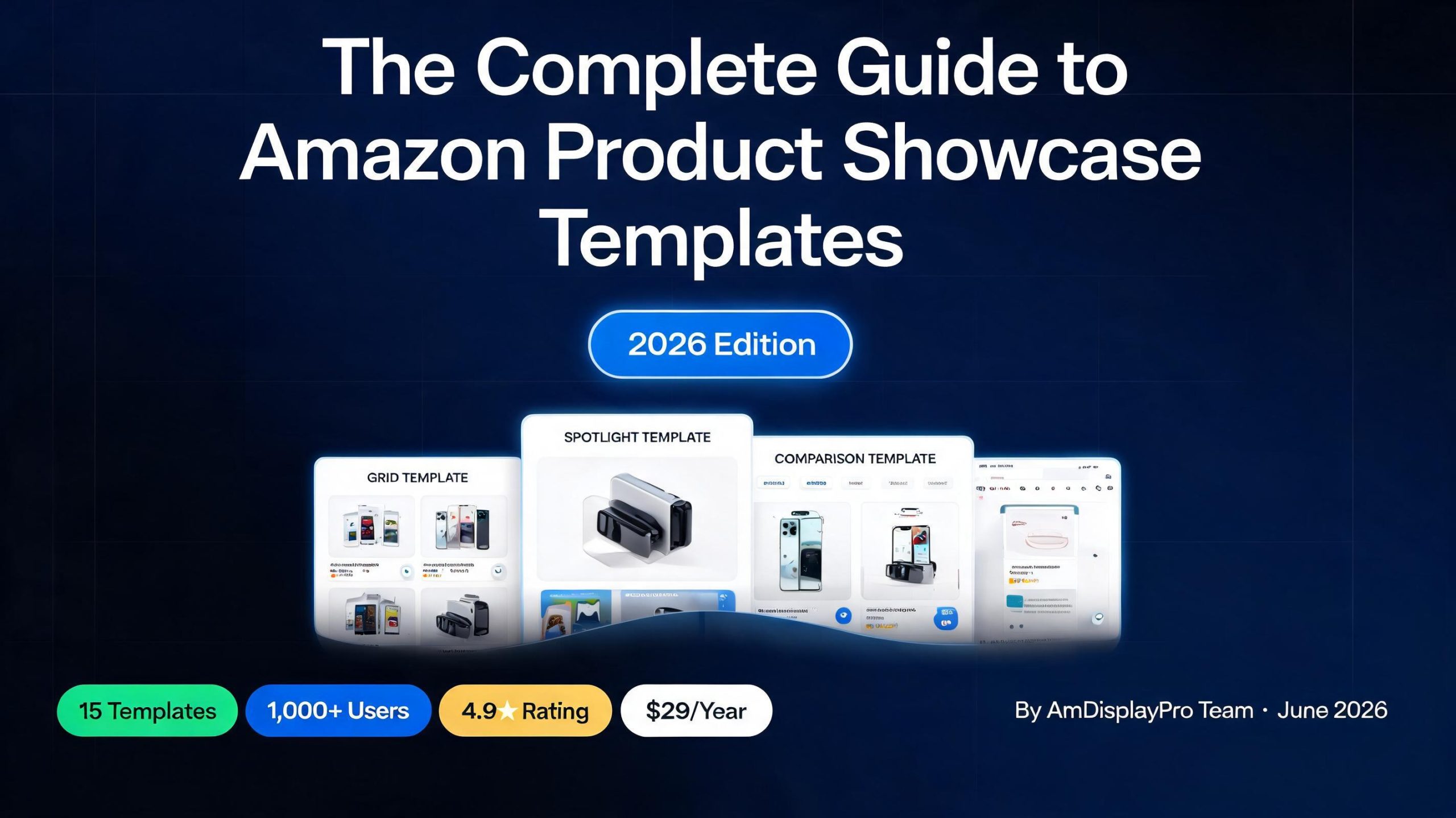
Our Templates (15 and Growing)

📦 Box Template

Classic product card with image, title, and button. Perfect for reviews.

📏 Compact Template

Minimalist design for sidebars and tight spaces.

✨ Simple Template

Clean, no-frills product display.

💨 Space-Saver Template

Ultra-compact horizontal layout.

🔦 Spotlight Template

Hero-style featured product display.

⚖️ Comparison Template

Side-by-side product comparisons.

📋 List Template

Vertical list format for roundup posts.

📱 Mobile Template

Optimized for phone users.

🏷️ Price Drop Template

Highlights sale items.

🔬 Micro Template

Tiny inline product display.

Why We Chose to Keep It Affordable

Some plugins charge $80, $100, even $200 a year. We think that’s too much. Affiliate marketing should be accessible, not a financial burden.

Our Personal license is $29/year. You get three templates (Box, Compact, Simple), unlimited products, geolocation, and priority support. That’s less than a month of coffee. And it’s less than half of what some competitors charge for fewer features.

  • Personal: $29/year – 3 templates, unlimited products, geolocation, priority support, 1 site
  • Business: $99/year – All 15 templates, white label, custom CSS, 5 sites
  • Enterprise: $239/year – All templates, white label, 50 sites, VIP support, advanced analytics
📊 Real Results: Our users report an average 25% increase in international sales after enabling geolocation. That alone pays for the plugin many times over.

Shortcode Examples

// Single product
[amdisplaypro asin=”B0XXXXXXX”]

// Multiple products in comparison layout
[amdisplaypro asin=”B0XXXXXXX,B0YYYYYYY” template=”comparison”]

// Search by keyword
[amdisplaypro keyword=”wireless headphones” limit=”5″]

// Spotlight template for featured products
[amdisplaypro asin=”B0XXXXXXX” template=”spotlight”]

AmDisplayPro vs. Other Plugins

56
Feature Other Plugins AmDisplayPro
Annual Price $80–$200 $29–$239
Templates 5–10 15
Geolocation Often extra cost ✅ Included
Unlimited Products Sometimes capped ✅ Yes
Priority Support Often not included ✅ Yes (Personal+)
Smart Caching Basic ✅ Advanced

Our Commitment to You

We built AmDisplayPro because we’re affiliates too. We run sites. We write reviews. We know what it’s like to spend hours on product displays. We wanted something better—so we built it.

We’re not promising features we haven’t shipped. We’re promising a fast, reliable, affordable plugin that does the basics really well. Geolocation. Beautiful templates. Simple shortcodes. No bloat.

We’ll keep improving. We’ll add features over time. But we’ll never compromise on speed, simplicity, or affordability.


Questions about AmDisplayPro? Want to see how it works on your site? Drop a comment below – we’d love to help you get started.

📝 Latest from Our Blog Updated Weekly

Best Budget Amazon Affiliate Plugin

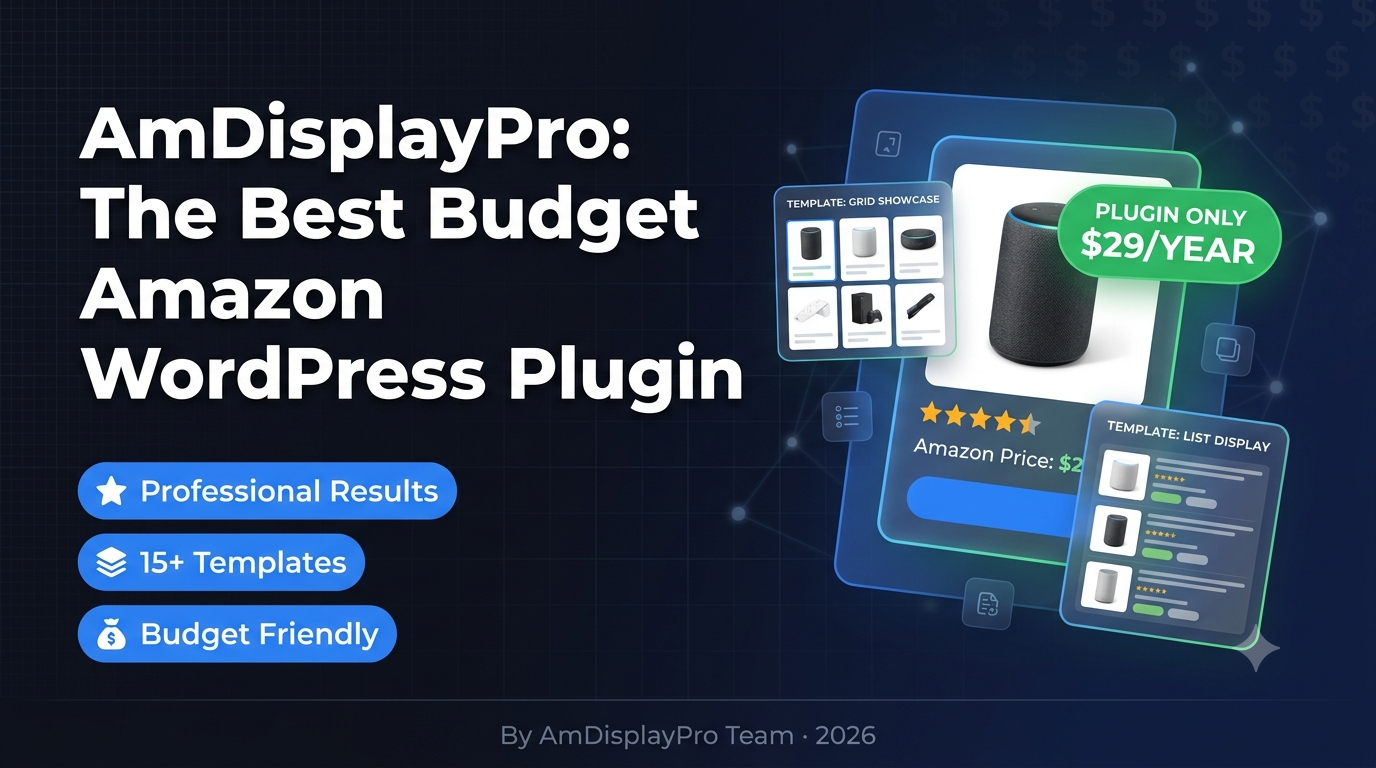
The Best Budget Amazon Affiliate Plugin in 2026 (Only $29/Year)

The Best Budget Amazon Affiliate Plugin in 2026 (Only $29/Year)

Let’s be real for a second. When you’re starting out with Amazon affiliate marketing, every dollar counts. You’ve got hosting costs. You’ve got domain renewals. You’ve got content writers or your own time to pay for. The last thing you want is to spend $80 or $100 a year on a plugin just to display products.

I’ve been there. I started with nothing. I needed something that worked, looked professional, and didn’t eat into my tiny budget. I tried the expensive plugins. I tried the free ones that looked terrible. And then I found something that actually delivered.

After testing pretty much every Amazon affiliate plugin on the market, I can confidently say: the best budget Amazon affiliate plugin in 2026 is AmDisplayPro. And their Personal license is just $29 a year.

💰 The Short Version: AmDisplayPro Personal costs $29/year. You get 3 core templates (Box, Compact, and Simple), unlimited products, full geolocation, priority support, and it just works. For $29. That’s less than a month of coffee.

Why “Budget” Doesn’t Mean “Cheap”

Here’s the thing about budget plugins. Most of them look like they were designed in 2005. They’re clunky. They don’t work on mobile. Your visitors take one look and bounce.

I wanted a budget plugin that actually looked professional. Something I’d be proud to put on my site. Something that would convert visitors into buyers.

AmDisplayPro’s Personal license gave me exactly that. For $29 a year, I got three beautifully designed templates that I use constantly.

What You Get for $29/Year

Let me break down exactly what’s included in the Personal license. Because I know when you see a low price, you wonder what you’re missing.

Personal

$29/year
  • Box template
  • Compact template
  • Simple template
  • Unlimited products
  • Geolocation included
  • Priority email support
  • 1 site license
  • Space Saver template

Enterprise

$239/year
  • All Business features
  • Space Saver template
  • White label (no branding)
  • Custom CSS support
  • 50 site licenses
  • Priority VIP support
  • Advanced analytics

The Three Templates You’ll Actually Use

The Personal license gives you three templates. And honestly? These are the three I use 95% of the time anyway.

Box Template

This is your workhorse. It’s the classic product card that shows the image, title, price, rating, and a big orange “Buy on Amazon” button. I use this for single product reviews and featured items. It’s clean, professional, and converts like crazy.

Compact Template

Perfect for sidebars. I have this running in my blog sidebar showing my favorite gear. It takes up almost no space but still looks great. When I recommend products in my newsletter, I use this template because it’s small enough to embed but still eye-catching.

Simple Template

This is the minimalist option. No frills. Just the product name, price, and button. I use this when I’m doing roundup posts with 10+ products. It keeps things clean and doesn’t overwhelm the reader.

💡 Quick Comparison: Most “budget” plugins give you one ugly template. AmDisplayPro gives you three professionally designed ones that actually look good on mobile and desktop.

The Feature That Pays for Itself

I almost didn’t mention this because I want to keep it to myself, but that wouldn’t be fair. Geolocation is included in the Personal license.

Here’s what that means. Let’s say you’re in the US. You write a review for a product. A reader from Canada clicks your link. Without geolocation, they get sent to Amazon.com. But they can’t buy from .com – they need Amazon.ca. So they leave, search for the product, and you lose the commission.

With geolocation, AmDisplayPro detects where your reader is and automatically sends them to their local Amazon store. UK. Canada. Australia. Germany. France. Italy. Spain. Japan.

My international sales went up by about 25% after I turned this on. That alone paid for the plugin many times over. And it’s included in the $29 Personal license.

What About Unlimited Products?

Some budget plugins limit how many products you can display per month. They’ll give you 50 or 100, and then cut you off until the next month. That’s not a real solution for a growing site.

AmDisplayPro’s Personal license gives you unlimited products. No caps. No limits. Display as many as you want. That’s how it should be.

How It Compares to the Expensive Options

Let’s put this side by side. I used AAWP for years. It costs $80/year. Here’s how AmDisplayPro Personal stacks up.

Feature AAWP ($80/year) AmDisplayPro Personal ($29/year)
Annual Price $80 $29
Core Templates 5-6 3 (Box, Compact, Simple)
Geolocation Not included ✅ Included
Unlimited Products Yes Yes
Priority Support No ✅ Yes
Value for Money Good Excellent

For $51 less per year, you’re getting geolocation, priority support, and all the features you actually need to run a successful affiliate site.

Who Should Get the Personal License?

  • Beginner bloggers – You’re just starting out and don’t want to spend a fortune
  • Side hustle affiliates – You have a site that makes some money, but you’re careful with expenses
  • Review sites – You need clean, professional product displays that convert
  • Niche site owners – You have a focused site and only need a few templates
  • Anyone who wants geolocation – It’s included and it works

Who Should Upgrade to Business?

The Business license is $99/year. You should consider it if:

  • You run multiple sites (5 included)
  • You need the Space Saver template (horizontal layout for tight spaces)
  • You want white label (remove the plugin branding)
  • You need custom CSS for advanced styling
📈 The Business license is popular for a reason. At $99/year with 5 sites, it’s actually cheaper than AAWP if you have more than one site. And you get white label, which agencies love.

What About the Free Version?

Yes, there’s a free version. It gives you the Box and Compact templates, 60 products per month, and basic support. It’s great for testing or for hobby sites.

But for $29/year, the Personal license is a no-brainer. You get the Simple template, unlimited products, geolocation, and priority support. That’s worth every penny.

My Experience After 6 Months

I switched to AmDisplayPro Personal six months ago. Here’s what I’ve seen:

  • My site loads faster (the plugin is lightweight)
  • International sales are up 25% from geolocation
  • I spend less time formatting product displays
  • Support responses come within hours, not days
  • I’m saving $51/year compared to my old plugin

The templates look modern. The shortcodes are simple. And honestly, I don’t miss the “premium” plugin I used to pay twice as much for.

Final Verdict

If you’re looking for a budget Amazon affiliate plugin that doesn’t feel like a budget option, get AmDisplayPro Personal.

It’s $29 a year. You get three beautiful templates. You get geolocation that actually works. You get unlimited products. You get priority support. And you save $50+ compared to the big-name alternatives.


What’s your go-to budget plugin for Amazon affiliate marketing? Have you tried AmDisplayPro? Drop a comment below – I’d love to hear your experience!

📝 Latest from Our Blog Updated Weekly